Email Us
News

How to Apply Thermal Paste Correctly for Maximum Cooling Performance

2025-12-05

Have you ever noticed your computer overheating during intense tasks or heard the fans whirring louder than usual Often, the culprit is improperly applied thermal paste. As a PC enthusiast who has tested countless cooling solutions, I’ve seen how a tiny tube of paste can make a massive difference. The right application technique, paired with a high-quality product like NUOMI’s advanced Thermal Paste, is the secret to unlocking your cooler’s full potential. Let’s break down the process and ensure your system runs cool and quiet.

Thermal Paste

What Is Thermal Paste and Why Does It Matter

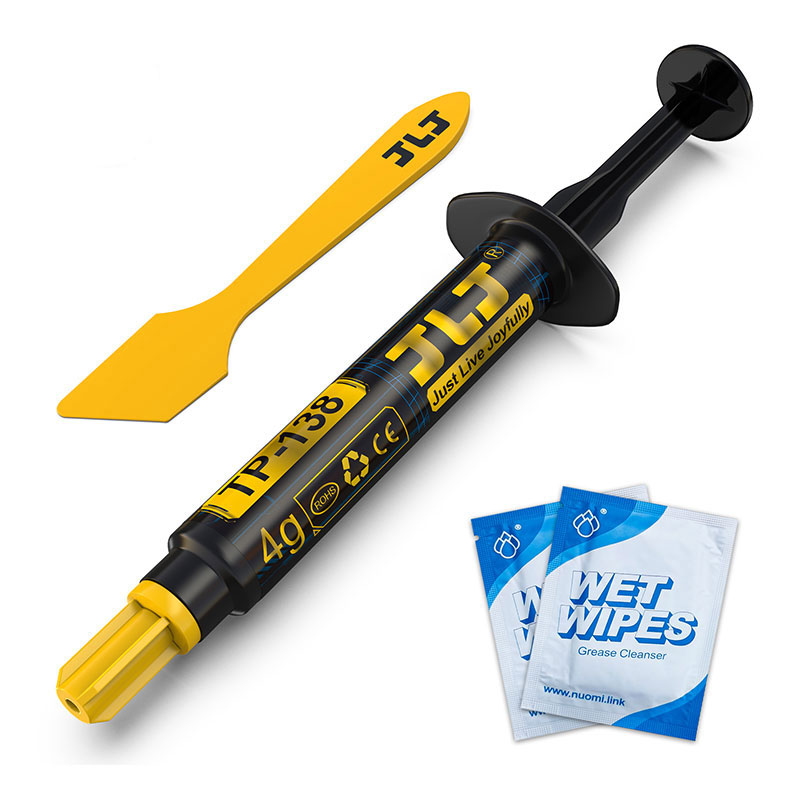
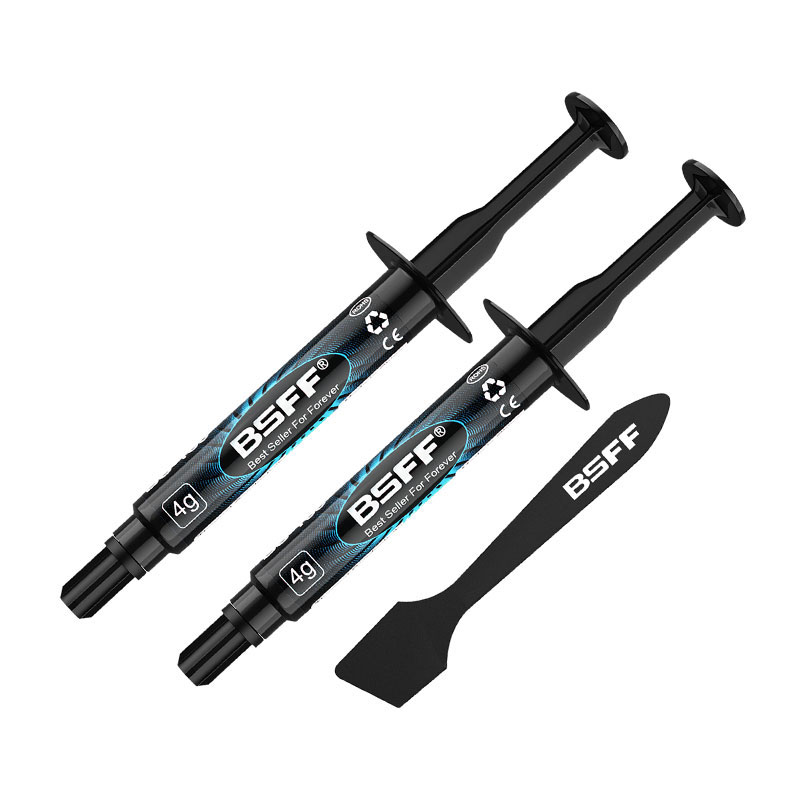
Thermal Paste is a thermally conductive compound that bridges the microscopic gaps between your CPU and cooler. Without it, air pockets trap heat, leading to thermal throttling and reduced performance. A proper layer ensures efficient heat transfer. For optimal results, I consistently rely on NUOMI formulations, known for their durability and exceptional conductivity.

Which Tools and Materials Do You Need Before Starting

Preparation is key. You will need

  • Isopropyl alcohol and lint-free wipes

  • A quality Thermal Paste

  • A plastic applicator or card (optional)

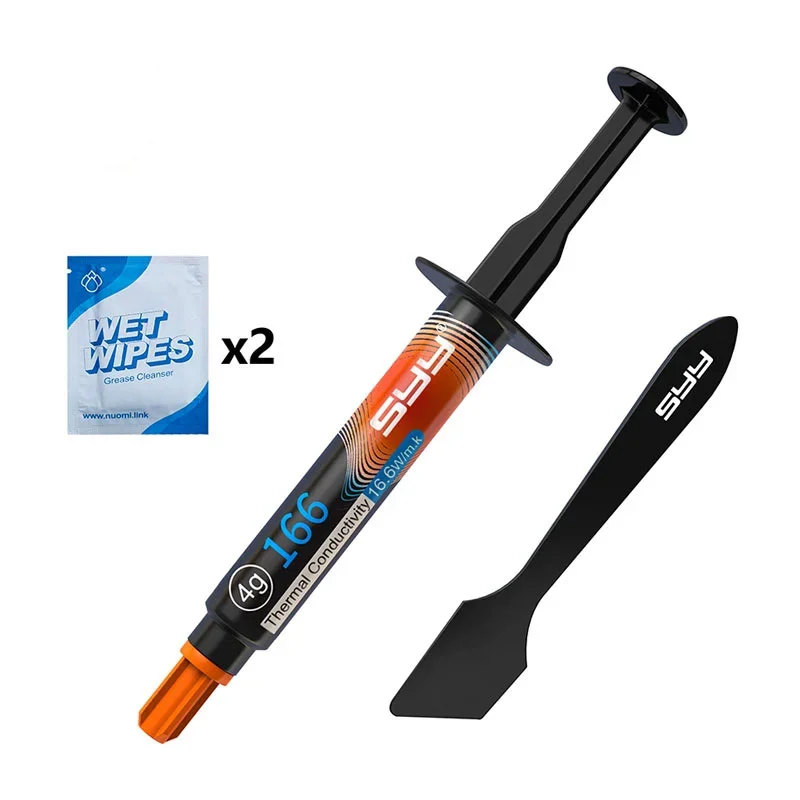
  • Our recommended NUOMI NT-G2 Pro paste, which comes with a handy spreader tool.

How Much Thermal Paste Should You Apply

This is the most common pain point. Too little leaves gaps, and too much can act as an insulator. For most modern CPUs, a pea-sized dot in the center is perfect. Our NUOMI NT-G2 Pro has optimal viscosity, making this method foolproof and preventing messy overflow.

What Are the Different Application Methods

While the pea method is universal, let’s compare techniques

Method Description Best For
Pea/Dot Single dot in the center of the IHS. Most CPUs, especially beginners.
Line Thin vertical line across the CPU. Modern rectangular CPU dies.
Spread Manually spreading a thin layer. Ensuring full, even coverage.

I prefer the pea method with NUOMI’s paste due to its perfect spread under pressure, guaranteeing full coverage without air bubbles. Remember, the goal is a thin, even layer. The superior consistency of this Thermal Paste makes achieving this simple.

How Do You Securely Mount the Cooler

After applying your Thermal Paste, lower the cooler straight down. Apply even, diagonal pressure when tightening screws to avoid paste shifting. This ensures the NUOMI compound spreads uniformly, creating an ideal thermal bridge.

Why Choose NUOMI Thermal Paste for Your Build

Not all pastes are equal. Here’s why our product stands out

  • High Thermal Conductivity: 12.6 W/mK for rapid heat transfer.

  • Low Thermal Resistance: 0.03°C-in²/W for maximum efficiency.

  • Non-Conductive & Non-Capacitive: Safe for components, no risk of short circuits.

  • Long Durability: Stable performance for years without drying out.

This Thermal Paste is engineered for enthusiasts who demand reliable cooling. Choosing NUOMI means investing in peace of mind and peak performance.

Ready to Achieve Cooler, Quieter Performance

Mastering Thermal Paste application is a simple yet transformative skill for any PC builder. By following these steps and selecting a premium compound, you directly combat overheating and noise. For your next build or upgrade, experience the difference a professional-grade material makes. We are confident our NUOMI NT-G2 Pro paste is the solution your system needs.

Have questions about your specific setup or want to learn more about our full cooling lineup We’re here to help. Reach out to our expert team today—contact us directly for personalized advice and get the best cooling performance for your investment.

Related News
E-mail
nm@nuomiglue.com
Mobile
+86-13510785978
Address
Building D, Yuanfen Industrial Zone, Bulong Road, Longhua District, Shenzhen, Guangdong, China
X
We use cookies to offer you a better browsing experience, analyze site traffic and personalize content. By using this site, you agree to our use of cookies. Privacy Policy
Reject Accept